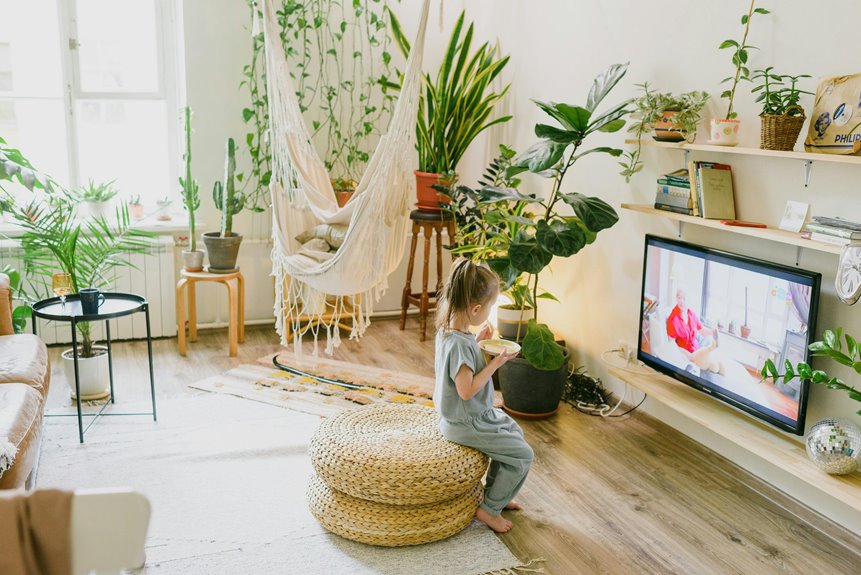
You’ll want to multiply your screen size by 1.5 to 2.5 for ideal viewing distance—a 60-inch TV works best 9 to 11 feet away. Position the center slightly below eye level, around 31 to 35 inches from the floor, to reduce neck strain. Avoid direct sunlight, corners, and mounting too high. Choose wall mounting or a sturdy stand, plan your power outlets first, and keep traffic pathways clear. Test from multiple seats, adjust for comfort, and design your room around the TV as one element, not the main attraction. The specific measurements and strategies behind each placement decision reveal why these details matter.
Match Screen Size to Your Viewing Distance
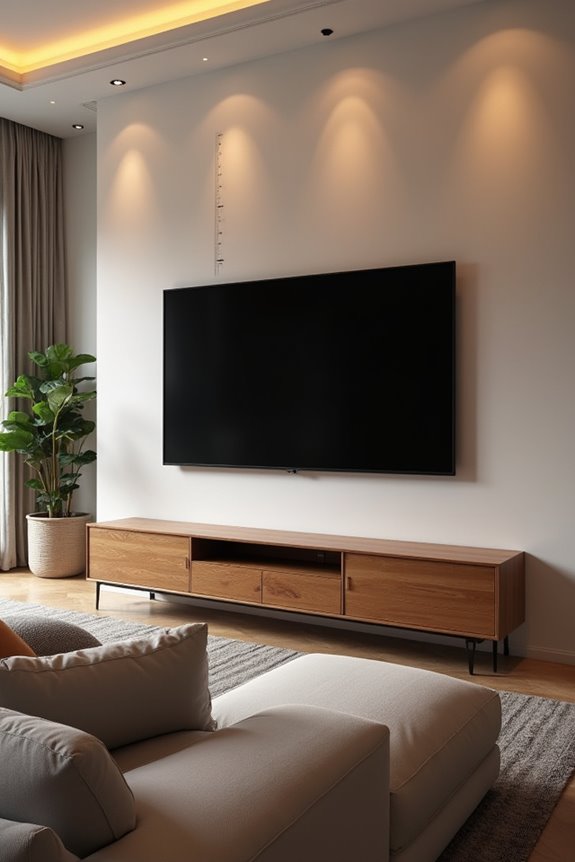
Why does sitting too close to your TV leave you squinting, while sitting too far makes you miss the details? The answer lies in finding your perfect viewing distance, which depends directly on your screen size.
Here’s the simple formula: multiply your screen size by 1.5 to 2.5. For a 60-inch TV, you’ll want to sit between 1.9 to 3.3 meters away. This range keeps you comfortable and engaged without straining your eyes or neck.
Smaller rooms work best with closer distances within that range. Larger screens need greater distance to maintain a clear view without excessive head movement. Position your TV so the screen’s center aligns slightly below eye level when seated. This setup reduces fatigue and helps you catch every detail.
Position Your TV at Eye Level to Eliminate Neck Strain
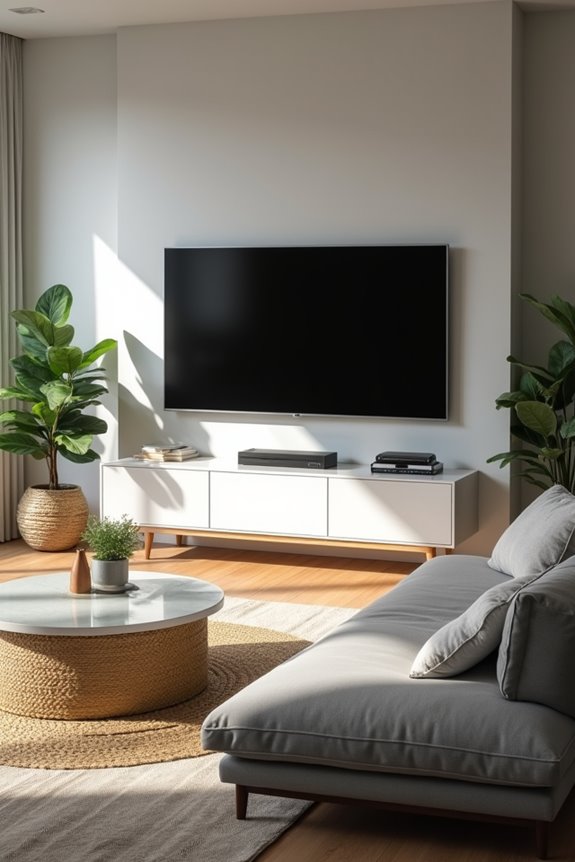
You’ll want to measure the ideal height by finding where your eyes naturally rest when seated, then align your screen’s center just slightly below that line. Getting your seating position aligned with the TV means checking sightlines from your couch, lounging chair, and any other spot you regularly watch from—adjusting the mount or stand until everyone sees the screen comfortably. The long-term health benefits are real: proper eye-level positioning prevents the chronic neck pain and eye strain that come from constantly tilting your head up or down during those evening binge-watch sessions.
Measuring The Ideal Height
At what height should your TV actually sit? The answer depends on your specific setup, but there’s a reliable formula you can follow.
Start by measuring your viewing distance from the couch to the wall. Then aim for an eye level height where the screen’s center sits just below your natural sightline when seated. This positioning minimizes neck strain and keeps you comfortable during marathons.
Most living rooms benefit from a mounting height between 800-900 mm (about 31.5-35.4 inches) above the floor. However, adjust based on your room’s ceiling height and seating distance. Consider positioning the bottom third at eye level for optimal comfort.
Take these measurements seriously. Your neck will thank you.
Seating Position Alignment
Getting your TV height right means nothing if you’re sitting in the wrong spot. Your seating arrangement directly determines whether you’ll experience comfortable viewing or neck strain. You’ll want to position your main seating so the TV’s center aligns with your eye level when seated upright.
| Seating Type | Ideal TV Height | Viewing Angle | Comfort Level |
|---|---|---|---|
| Upright Chair | 42-48 inches | Straight ahead | Excellent |
| Lounge Sofa | 48-54 inches | Slight downward | Very good |
| Reclined Position | 50-56 inches | More downward | Good |
| Mixed Seating | 45-50 inches | Moderate variation | Balanced |
You’ll reduce fatigue during long viewing sessions by aligning your seating with proper viewing height. This eye level positioning supports both upright and lounging postures. When you prioritize seating alignment with your TV placement, you’re investing in sustained comfort and better posture for everyone in your living room.
Long-Term Health Benefits
Why does your neck hurt after a Netflix marathon? Poor TV placement forces your neck into uncomfortable angles, creating tension that builds over time. You’re not alone in this struggle—many people experience chronic neck strain from improper viewing.
Position your screen at eye level to eliminate this problem. Your bottom third of the screen should align with your eyes when seated. This alignment reduces cumulative neck and shoulder tension, supporting better posture over time.
Matching your viewing distance to your screen size keeps your eye level steady. You won’t need constant head movement to see clearly. Reassess your setup initially, then refine height and angle for consistent comfort whether you’re lounging or sitting upright.
These adjustments create lasting relief and belonging to the growing community prioritizing their health.
Avoid Three Critical Placement Mistakes: Height, Sunlight, and Corners
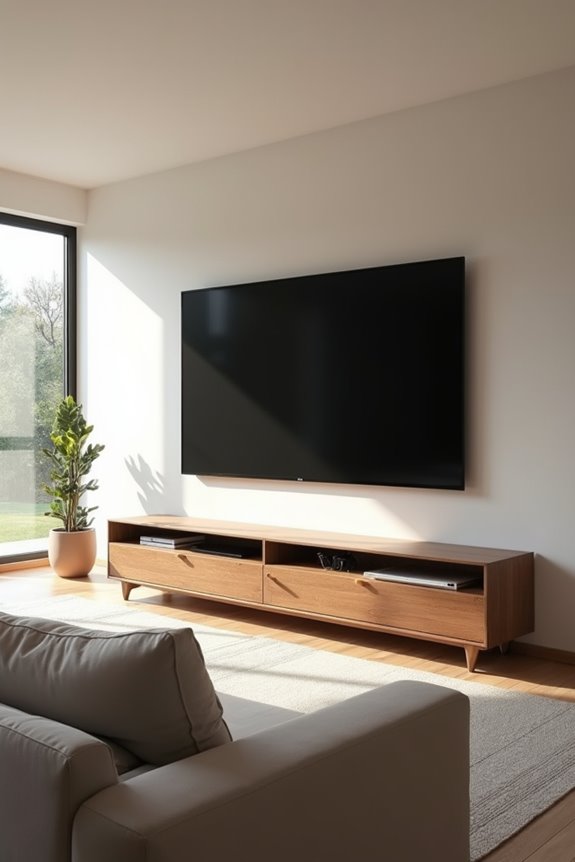
Think you’ve found the perfect TV spot? Hold on. Three common placement errors can undermine your viewing experience and comfort.
- Wrong height ruins neck health. Mount your TV at eye level, roughly 800–900 mm (31.5–35.4 inches) from the floor. This prevents constant upward or downward gazing that strains your neck over time.
- Direct sunlight creates glare problems. Position your TV away from windows where natural light hits the screen directly. If unavoidable, install blinds or curtains to control reflections and protect your viewing quality.
- Corner placement isolates your setup. Don’t tuck your TV into hard-to-view corners. Use adjustable mounts strategically so everyone enjoys clear sightlines from adjacent spaces.
These three adjustments transform your room into a genuinely comfortable viewing space.
Choose Your Mounting Method: Wall, Stand, or Alcove
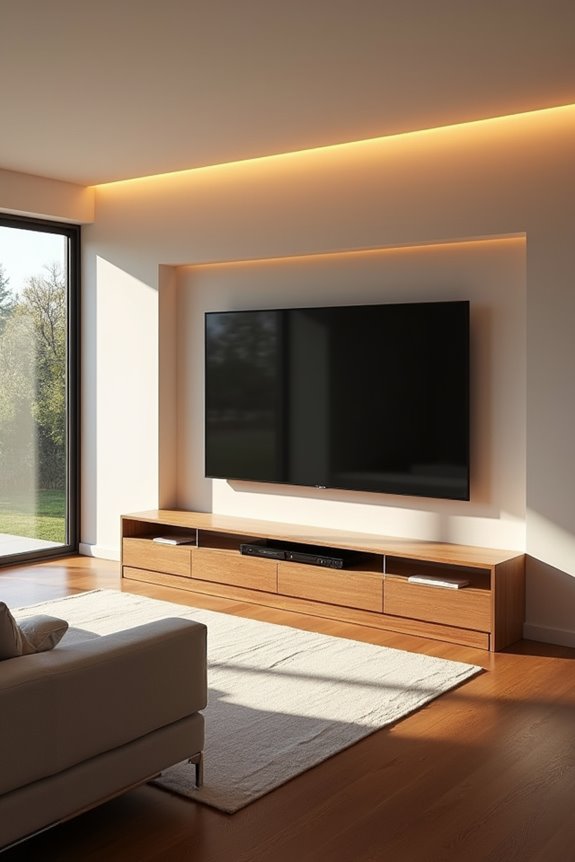
Once you’ve nailed down the right height and lighting, your next decision shapes how your TV actually sits in the room. You’ve got three solid options, each with real benefits that fit different living spaces and lifestyles.
| Method | Space Saving | Flexibility | Storage |
|---|---|---|---|
| Wall Mount | Excellent | High with swivel | Minimal |
| TV Stand | Moderate | Good for repositioning | Built-in shelving |
| Alcove | Poor | Limited | Integrated |
A wall mount saves floor space and lets you adjust viewing angles for multiple seating positions. TV stands offer storage for media players and cables while allowing repositioning without permanent alterations. An alcove creates a dedicated entertainment nook that enhances ambiance and defines your space beautifully. Choose based on your room layout and lifestyle needs.
Locate Power Outlets Before Committing to a Position
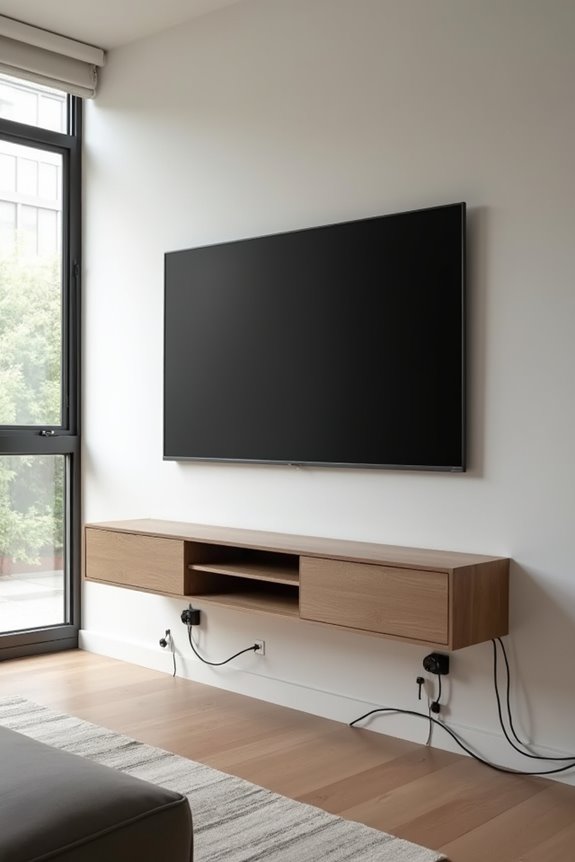
Before you mount your TV anywhere, you’ll want to map out exactly where your power outlets and cable runs are located. Your TV, gaming console, soundbar, and streaming devices all need electricity, so you’ve got to plan for multiple plugs within arm’s reach of your mounting height. Skip the messy extension cords and hidden hazards by choosing a spot where outlets actually exist or by installing in-wall power solutions that meet your local electrical codes.
Planning Your Outlet Layout
Where are your existing power outlets, and do they actually reach your ideal TV spot? You’ll want to map out your outlet layout before securing that wall mount. Here’s what you need to do:
- Check all existing outlets along potential cable pathways to determine if in-wall wiring or surface-mounted channels work best for your setup
- Reserve dedicated power points for your TV, soundbar, gaming console, and streaming devices on a surge-protected circuit
- Group power and AV connections together at one central location to minimize visible cables and simplify future maintenance
This strategic planning prevents costly rework later. If you’re considering in-wall wiring, verify local code compliance first and use approved cables. You’ll appreciate the clean appearance and easy access when adjusting your entertainment system.
Avoiding Extension Cord Clutter
You’ve mapped out your outlets and planned your power points—now comes the part where many people stumble. Extension cords stretched across your room don’t just look messy—they’re tripping hazards that pull your whole space together poorly.
Here’s what works: position your TV near existing outlets so you won’t need long cables snaking across floors or walls. When outlets aren’t convenient, concealment becomes your best friend. Route cables through wall cavities or behind cabinetry to keep them completely hidden from view.
Placing your TV above a cabinet gives you a natural hiding spot for all those cables and outlets. This setup keeps your living room clean and functional without compromise.
After your initial setup, walk around and reassess. Can you access everything easily? Are pathways clear? That’s when you’ll know you’ve nailed it.
Plan Cable Concealment Into Your Setup From Day One
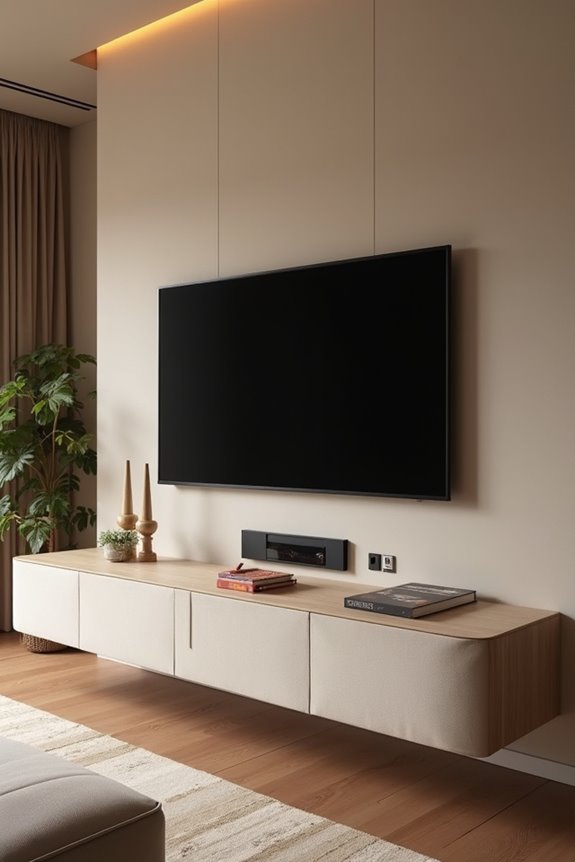
Why do so many living rooms end up looking like a tech tornado hit them? The answer is simple: cables weren’t planned for from the start.
You’ll want to tackle cable concealment before installation day arrives. Consider these essentials:
- Install in-wall channels or recessed pathways behind your wall-mounted TV to hide power, HDMI, and AV cables completely
- Route cables behind furniture and outlets strategically, maintaining easy access for future upgrades without exposing tangled wires
- Add a centralized power outlet with surge protection near your TV stand to eliminate extension cord needs
Label each cable during installation. This simple step transforms future reconfigurations from frustrating to straightforward. A cable management tray along your TV’s back neatly groups multiple cables while keeping them hidden. Planning ahead means you’re not retrofitting solutions later—you’re building the right setup today.
Preserve Clear Sightlines and Unobstructed Traffic Pathways
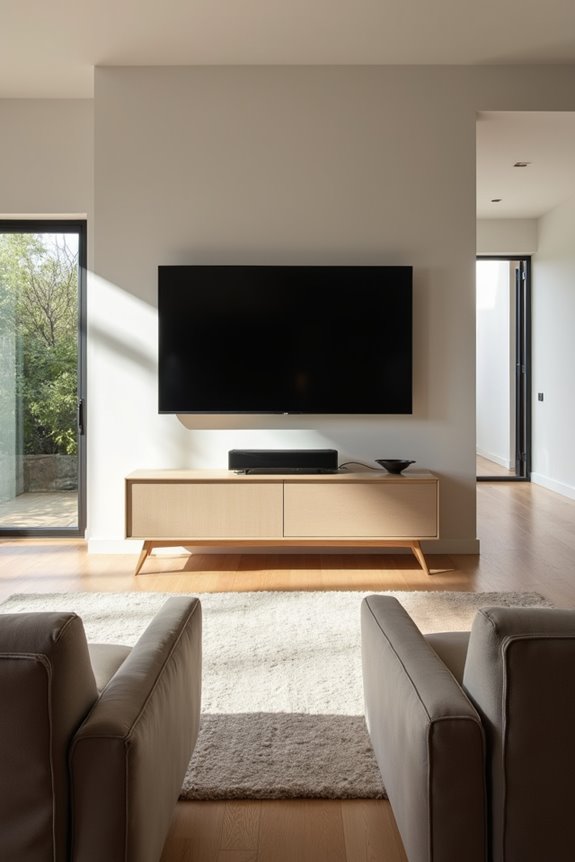
You’ll want to think strategically about how people move through your living room and where they inherently sit to watch. Keep at least 3 to 4 feet of open floor space around your viewing area, and position your TV so that everyone from the couch, chairs, and other zones can see it without craning their necks or dealing with glare. The goal is simple: clear sightlines and unblocked pathways make for comfortable viewing and safer movement through your space.
Traffic Flow and Accessibility
How often do you find yourself squeezing past furniture or tiptoeing around cables just to reach your couch?
Strategic TV placement eliminates these frustrations entirely. You’ll want to arrange your living room so movement feels natural and unforced. Consider these essentials:
- Position your TV where viewing angles work from your main seating without requiring excessive turning or neck strain
- Plan traffic routes that bypass furniture clusters, keeping pathways clear for daily movement through the space
- Manage cord concealment using wall channels or behind-mount systems to prevent tripping hazards
Mount your TV at eye level using a low-profile stand. This minimizes strain while keeping remotes and devices within reach. When you eliminate obstacles, your living room becomes more inviting and functional. Everyone moves through confidently, and gathering together feels effortless.
Viewing Angles From Multiple Zones
When everyone in your living room can actually see the screen distinctly, your TV placement has succeeded. You’ll want to position your TV so viewing angles from main seating areas stay within 10–15 degrees off-axis. This preserves contrast and color accuracy for everyone watching.
Consider your room’s layout. Different seating zones require different strategies. Check sightlines from each chair or sofa spot. Nobody should crane their neck or sit at awkward angles.
| Seating Zone | Ideal Distance | Angle Range | Best TV Height |
|---|---|---|---|
| Primary sofa | 1.5–2.5× screen size | 0–10 degrees | Eye level |
| Secondary chairs | 1.5–2.5× screen size | 10–15 degrees | Slightly lower |
| Standing areas | 8–12 feet | 15–20 degrees | Higher placement |
| Corner seats | Variable distance | 15 degrees max | Wall-mounted |
Use swiveling mounts for flexibility. They accommodate multiple viewing positions without blocking pathways or creating glare issues across your space.
Avoiding Pathway Obstructions
Where does your TV actually belong in a room that people move through constantly? Strategic TV placement keeps your pathways clear and your home safe. You’ll want to protect both sightlines and traffic flow simultaneously.
Consider these essential placement strategies:
- Mount your TV on the wall to free up floor space and eliminate tripping hazards from cords and equipment
- Maintain 1.2–1.5 meters of unobstructed space around your TV stand to prevent congestion in high-traffic areas
- Route all cables along walls or behind furniture, never across foot traffic lines, to minimize tangling and falls
Choose adjustable brackets or movable stands that let you reconfigure without blocking doorways or walkways. This flexibility keeps your room functional while protecting everyone who moves through it. Your TV placement shouldn’t force people around obstacles.
Design Around the TV, Not For It
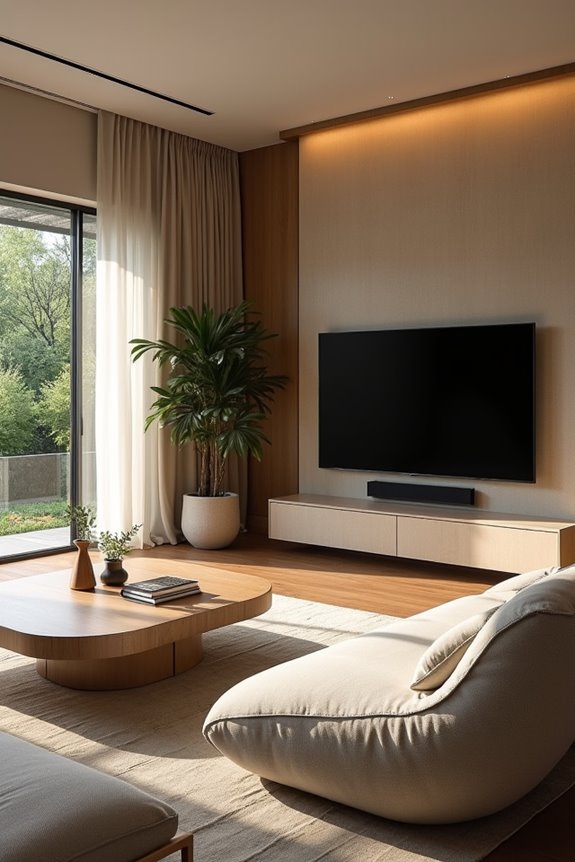
Why should your television command the entire room’s attention? It shouldn’t. Instead, treat your TV as one design element among many rather than the main attraction. Smart TV placement means integrating it thoughtfully with surrounding furniture and décor.
Consider using dark accent walls in charcoal, navy, or black. These colors help your screen visually disappear when powered off, preventing it from dominating the space. Choose wall integration strategies like alcove placements or mounts that align symmetrically with your furniture arrangement.
Create a cohesive focal point by pairing your TV with complementary art pieces and accessories. Match your screen’s placement to your room’s color palette and overall aesthetic. This balanced approach ensures your living room feels intentionally designed, not television-centered.
Test Your Setup and Adjust Until It Feels Right
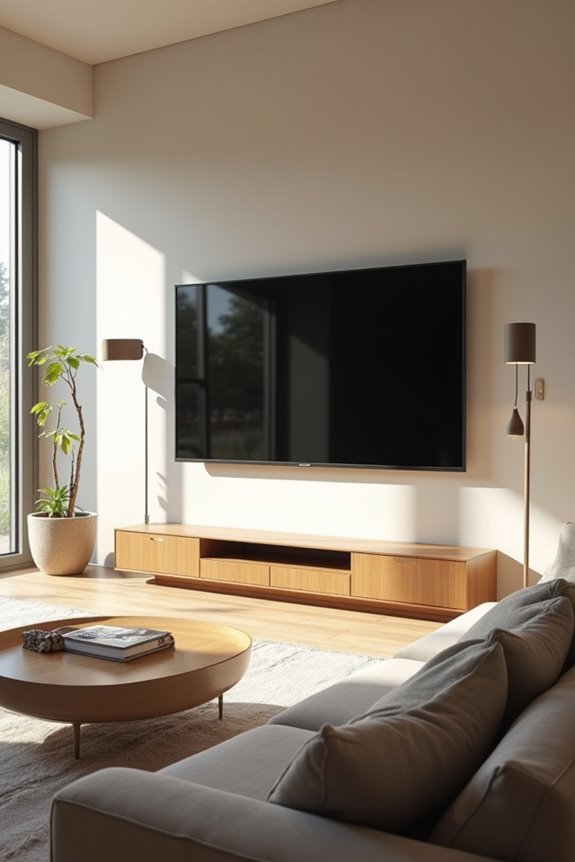
Installation isn’t the finish line—it’s just the starting point. Now you’ll test from multiple seating positions to confirm everything works for your whole family.
Installation isn’t the finish line—it’s just the starting point. Now you’ll test from multiple seating positions.
- Eye level alignment: Position the screen’s center slightly below eye level, with the bottom third matching your sight line from the main couch and adjacent chairs.
- Viewing distance: Measure roughly 1.5 to 2.5 times your TV’s diagonal (a 60-inch screen needs 1.9 to 3.3 meters away). Adjust your seating or wall placement accordingly.
- Glare control: Check for window and lamp reflections at different times. Add curtains or shift the angle to maintain picture clarity.
Iterate by moving a few centimeters, adjusting tilt degrees, then retesting. Does your neck stay comfortable? Do pathways feel open? Keep refining until viewing feels completely natural.
Make Off-Center and Alcove Placements Work for Your Space
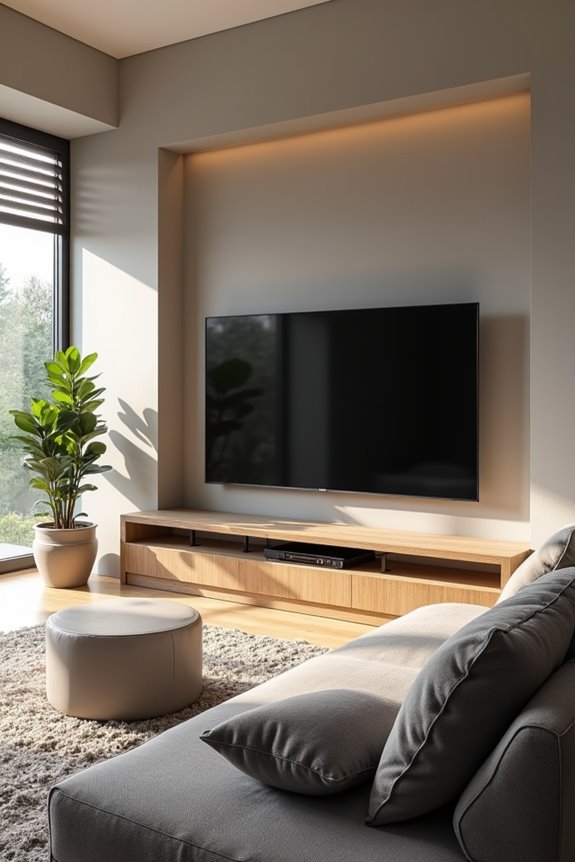
Once you’ve settled on your ideal viewing angle and comfort level, you might realize your perfect spot doesn’t sit smack in the middle of the wall. That’s completely fine. Off-center placement works beautifully when it harmonizes with existing features like fireplaces or large windows, creating visual balance without competing elements.
Pair your off-center placement with surrounding furniture that complements the TV as part of one cohesive design. Position the screen away from direct sunlight and use ambient lighting to manage glare control effectively. Adjustable wall brackets accommodate multiple viewing angles from different seats.
Monitor foot traffic patterns carefully. Ensure sightlines remain unobstructed so everyone enjoys clear views regardless of where they’re sitting. Your off-center setup becomes the natural focal point when thoughtfully integrated into your room’s existing architecture and layout.